Roles, data protection & security
Four clear roles, restriction to locations, encrypted personnel data and a separate database for every company.
Personnel data is among the most sensitive data a company holds: AHV number, bank details, religion, residence permit, dismissals, warnings. The Data Protection Act requires that only those who need it for their work can see it.
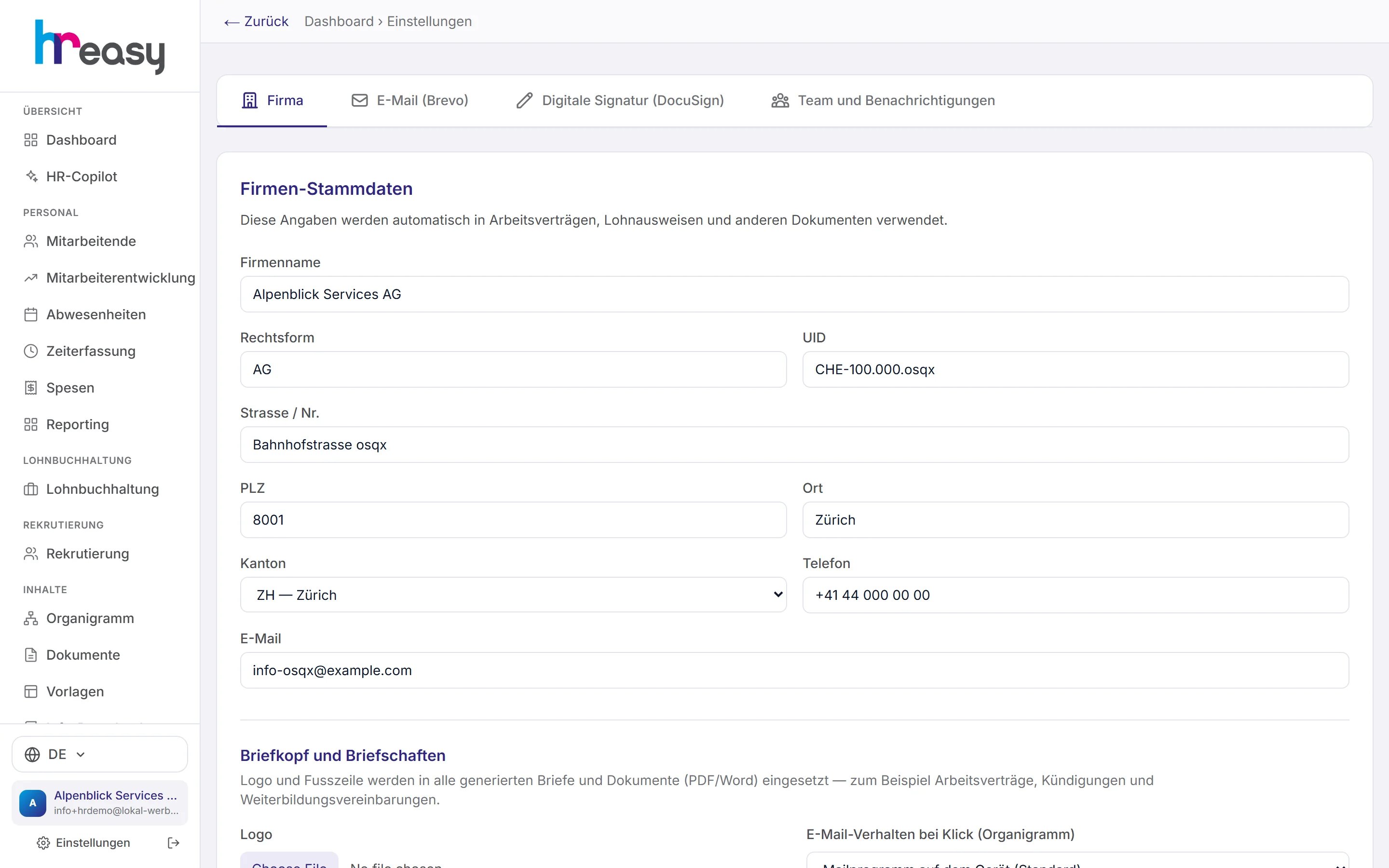
HREasy implements this with fixed roles, restriction to locations and organisational units, and encrypted storage. Every company has its own database, and every decryption of a sensitive field is logged. In the settings you also set up company details, letterhead, email sending and team notifications.
Sound familiar?
- The team leader should approve holidays but must not see salaries.
- The branch manager should only see their own people, not the whole company.
- Sensitive details sit in Excel lists on shared drives.
- Nobody can say who accessed the personnel data and when.
Four roles that fit an SME
The admin can do everything, including subscription, settings and assigning roles. The HR manager has full HR access including salaries and sensitive data, but no settings and no billing. The HR administrator maintains employees, hours, absences and cases, but sees no salaries, no AHV number and no religion. Employees only see themselves.
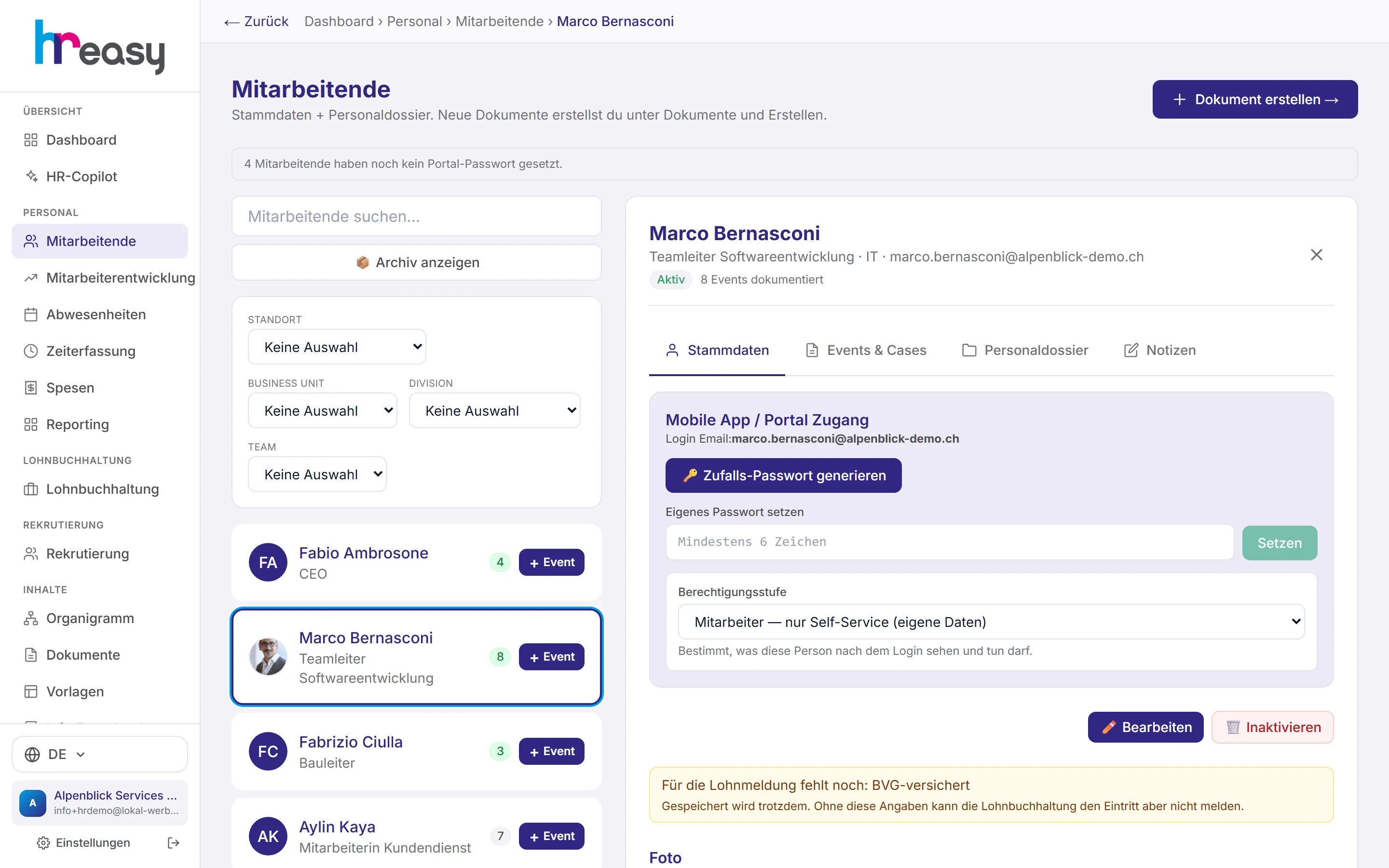
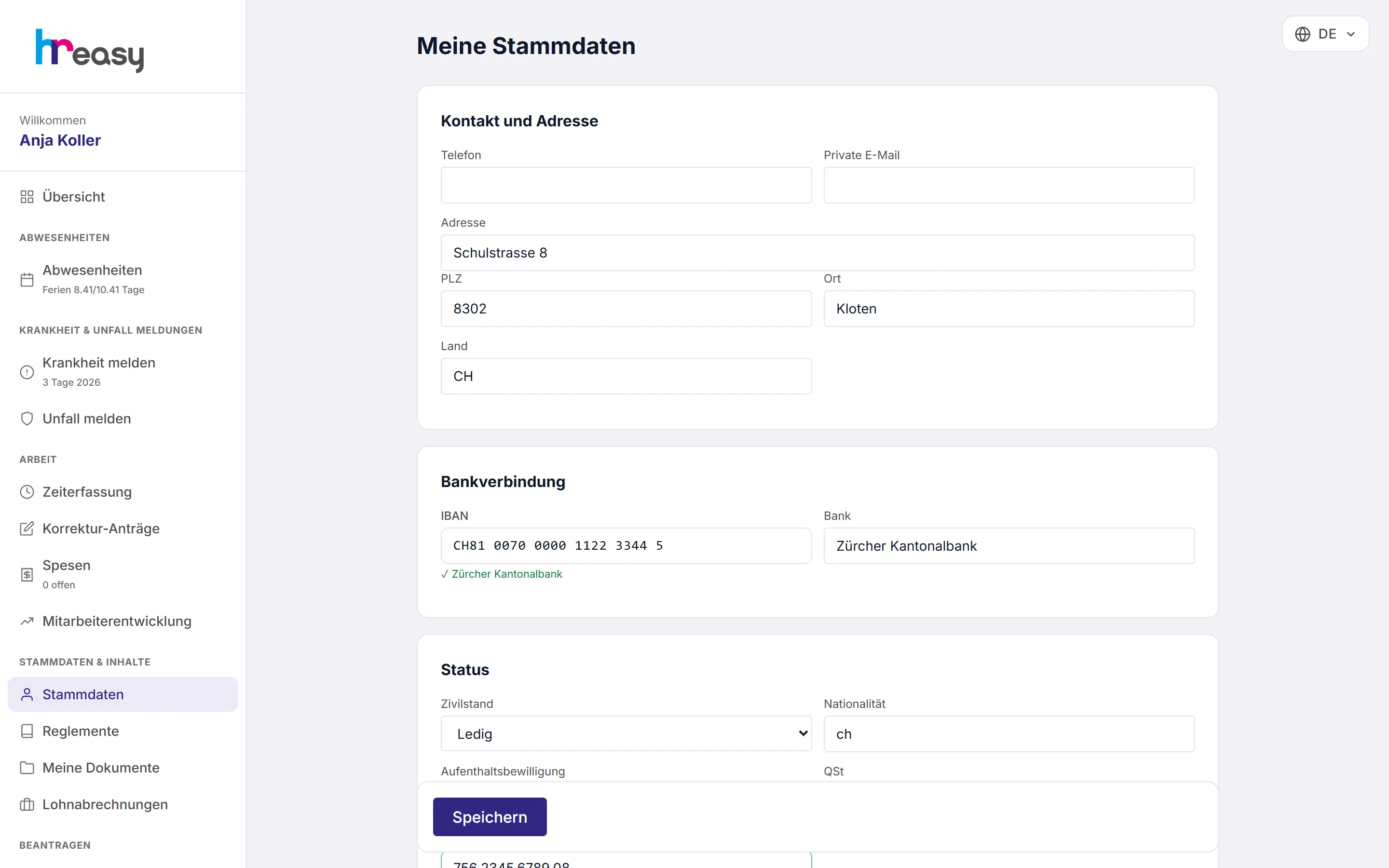
You assign the role in the personnel record under «Mobile App / Portal Zugang» (mobile app / portal access). The company owner is always admin.
- HR managers and HR administrators can be restricted to a location or unit
- A head office also sees the branches below it
- The restriction takes effect immediately and is read afresh with every request
- Applies to lists, dashboard, reporting and the HR Copilot
You decide who hears about what
In the «Team und Benachrichtigungen» (team & notifications) tab you decide who receives emails and about what: submitted hours, time corrections, absence requests and approvals, submitted expenses, onboarding, retirements, signed contracts.
That way every notification reaches the right person instead of everyone getting everything.
- Roles in the team: admin, viewer or recipient
- Notifications selectable individually per event
Emails in your company’s name, with proof of delivery
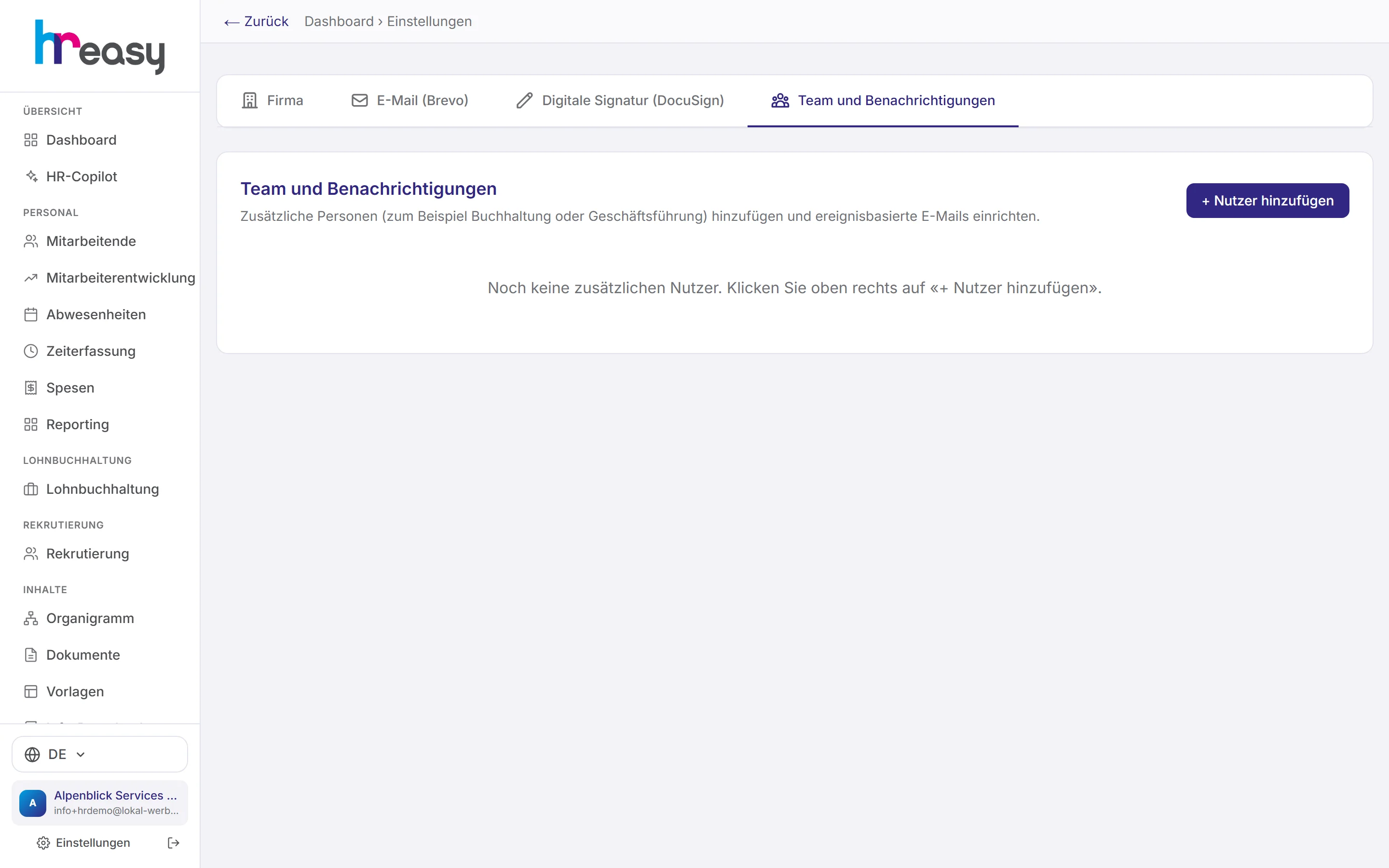
So that emails to employees and applicants come from your own address, you set up your domain as the sender in the «E-Mail» tab. HREasy shows the DNS records required and has the signing verified.
After a test email you can see in the event log what happened to it. Only what the sending service explicitly reports as delivered counts as delivered.
- Company master data, logo and footer for letters and documents
- Locations, organisation and hierarchy in the «Firma» (company) tab
Protect the portal with a second factor
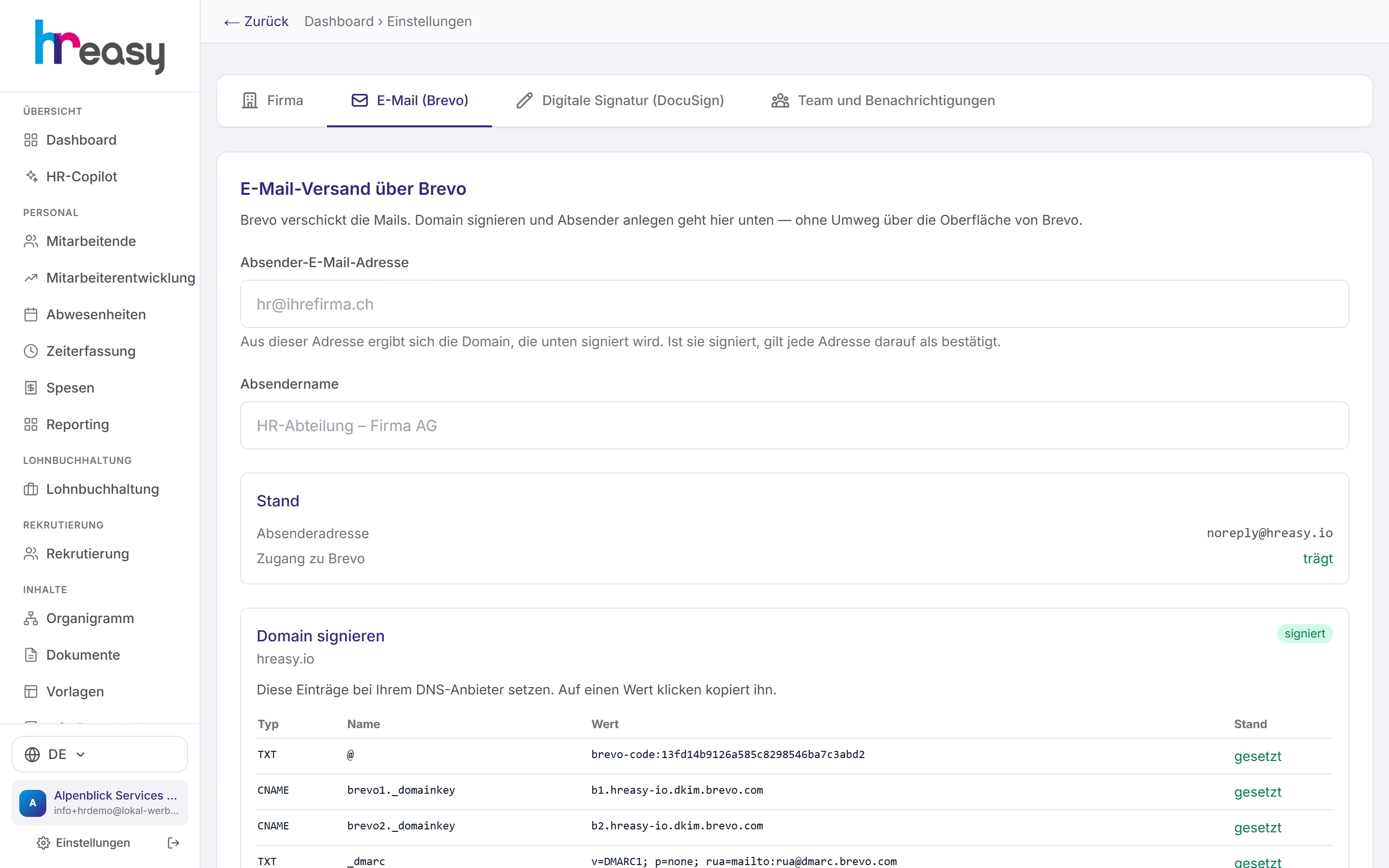
In the employee portal, employees set up two-factor authentication with an authenticator app under «Stammdaten» (master data): scan the QR code, confirm the code, done. They also receive backup codes that are shown only once.
Logging in is additionally protected against guessing: the number of failed attempts is limited, and the response time does not reveal whether an account exists.
- Can only be switched off with a valid code
- Changing the password revokes existing sessions
What happens to a sensitive field
Using an AHV number as an example: from saving to display.
Encrypt
The AHV number is stored encrypted with AES-256-GCM in your company’s database.
Check permissions
On retrieval, the server checks the role and location restriction of the person making the request.
Decrypt
Only if the person is authorised is the field decrypted and displayed.
Log
Who, what, when and from which address: every access is recorded.
Monitor
Every day a run checks for an unusual number of accesses and raises the alarm.
Everything works together
No module stands alone. What you enter here flows automatically to wherever it is needed, without entering it twice.
What HREasy offers
Four fixed roles
Admin, HR manager, HR administrator and employee, with clearly separated rights.
Salaries only for authorised users
HR administrators maintain staff, hours and absences but see no salaries and no sensitive data.
Location restriction
Roles can be restricted to a location or an organisational unit, effective from the next request.
Field encryption
Sensitive personnel fields such as AHV number, IBAN, address or religion, as well as all events in the personnel file, are encrypted with AES-256-GCM.
Separate database
Every company has its own database; its access credentials are themselves stored encrypted.
Log and alarm
Every decryption of sensitive fields is logged, and a daily run reports anomalies by email.
Two-factor in the portal
Employees secure their access with an authenticator app and backup codes.
Login protection
Limited failed attempts and constant response time, so accounts cannot be guessed.
Four languages
The interface is available in German, English, French and Italian.
What you should know
Where the data is stored
HREasy runs on servers in Europe, connected via TLS. Every company has its own Postgres database. Files are stored in a separate object store.
For AI features, HREasy uses language models from Anthropic (Claude). The data transmitted is not used for training, and particularly sensitive details such as religion, AHV number or IBAN never go to the language model.
Less is more: data minimisation in the Copilot
When the HR Copilot needs personnel data, it requests it for a stated purpose, such as «holidays» or «contract», and only receives the fields for that purpose. If a document needs an AHV number, the server inserts it afterwards via a placeholder.
If the user wants to see complete data, HREasy displays it directly from the system without it reaching the language model.
Frequently asked questions
Who can see salaries?
Admins and HR managers. HR administrators and employees do not see other people’s salaries.
Can I restrict a branch manager to their branch?
Yes. HR managers and HR administrators can be restricted to a location or an organisational unit. This applies in lists, dashboard, reporting and the Copilot.
How is the data protected?
Sensitive personnel fields and events are encrypted with AES-256-GCM, every company has its own database, and every decryption of sensitive fields is logged.
Where are the servers?
In Europe. The connection is encrypted with TLS.
Is there two-factor authentication?
Yes, in the employee portal, with an authenticator app and backup codes.
Is my data used for AI training?
No. The AI provider Anthropic does not use the transmitted data for training, and particularly sensitive details are not transmitted at all.
More modules
Ready to automate security?
Set up in 5 minutes, no HR knowledge needed. The agent takes care of the rest.
Request trial access now